Created: 29 Jan 2026, last update: 29 Jan 2026
Tip: Get the SitecoreAI instance URL from a JWT token
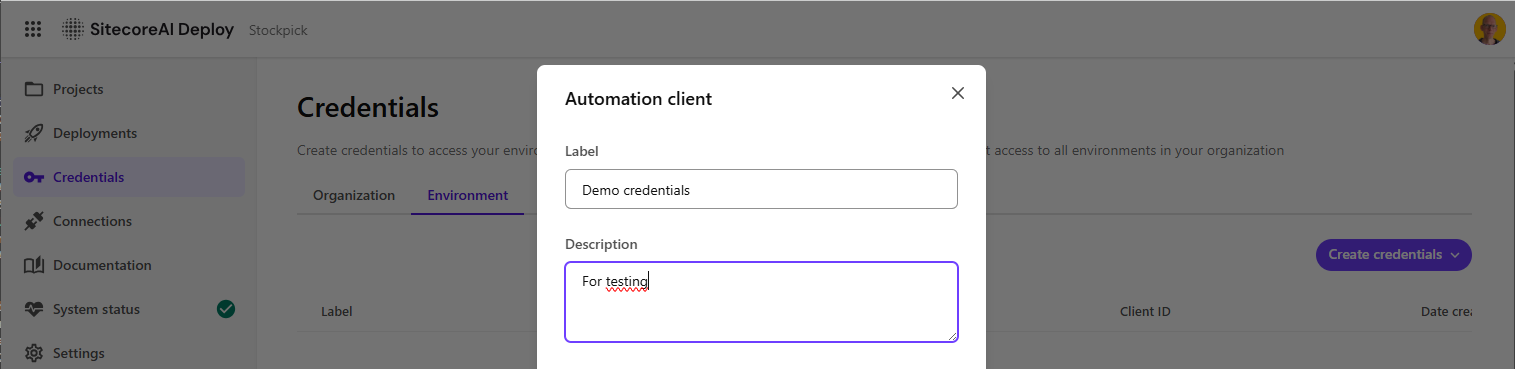
When you automate things for SitecoreAI using the Sitecore APIs for example via an Azure Function or Azure DevOps you typically authenticate using a Client ID and Client Secret. With these credentials you request a JWT access token from the Sitecore Cloud authentication endpoint.
That access token can be used for APIs like the Sitecore Agent API. Automation credentials are created per environment, which is convenient because the API immediately knows which environment you are targeting.
However, not all functionality is currently available through the Agent API. In many real world scenarios you will still need to call the Sitecore Authoring and Management GraphQL API. That API requires the full instance hostname, because the endpoint is environment specific.
https://<your-instance>/sitecore/api/authoring/graphql/v1/
This means you normally have to store the instance URL as a separate configuration value. The good news is that this is not strictly necessary. The instance information is already present in the JWT token you receive from Sitecore Cloud authentication.
Finding the instance information in the JWT
If you decode the JWT access token you will notice several Sitecore specific claims. One of them contains the tenant name, which is effectively the key you need to construct the instance hostname.
Example of a decoded JWT payload:
{
  "https://auth.sitecorecloud.io/claims/client_name": "UXBEE",
  "https://auth.sitecorecloud.io/claims/tenant_id": "afce207b-68b3-4519-93b9-b31dbbcec4af",
  "https://auth.sitecorecloud.io/claims/tenant_name": "uxbee0001-uxdigitalp0000-prd3a3c",
  "sc_sys_id": "bd301a5d-c6cc-447a-a251-72d3cd518302",
  "https://auth.sitecorecloud.io/claims/tenant/cdp_client_key": "a6b2698695be4e4b9cb30383feeda1b0",
  "https://auth.sitecorecloud.io/claims/tenant/MMSEmbeddedTenantID": "826eb446-5723-4b5e-a3c8-33773e9e78f9",
  "https://auth.sitecorecloud.io/claims/tenant/COEmbeddedTenantID": "254a0035-2f69-4166-8d3d-53187fd372e9",
  "https://auth.sitecorecloud.io/claims/org_id": "org_MJApMhAdzzZvVyUo",
  "https://auth.sitecorecloud.io/claims/org_name": "uxbee",
  "https://auth.sitecorecloud.io/claims/org_display_name": "Uxbee",
  "https://auth.sitecorecloud.io/claims/org_account_id": "00001N00001AabcHFG",
  "https://auth.sitecorecloud.io/claims/org_type": "customer",
  "sc_org_region": "euw",
  "iss": "https://auth.sitecorecloud.io/",
  "sub": "9ee41db232814a9ea678d9174fb3042a@clients",
  "aud": "https://api.sitecorecloud.io",
  "iat": 1769711048,
  "exp": 1769797448,
  "scope": "xmcloud.cm:admin xmcpub.queue:r xmcpub.jobs.t:r xmcpub.jobs.t:w xmcdata.items.t:r xmcdata.prvds.t:rc xmcdata.prvds.t:r xmcdata.prvds.t:w xmcdata.prvds.t:l personalize.exp:mng personalize.tmpl:r personalize.pos:mng",
  "org_id": "org_MJApMhAdzzZvVyUo",
  "gty": "client-credentials",
  "azp": "9ee41db232814a9ea678d9174fb3042a"
}
The important claim here is:
https://auth.sitecorecloud.io/claims/tenant_name
Using this value you can construct the Sitecore XM Cloud instance URL dynamically.
Example C# helper to extract the instance URL
Below is a small C# helper that decodes the JWT token, extracts the tenant name, and builds the instance URL. This works well in Azure Functions, build pipelines, or any other automation scenario.
using System.Text.Json;

public static class JwtTokenHelper
{
    public static string? GetTenantNameFromJwt(string jwtToken)
    {
        if (string.IsNullOrWhiteSpace(jwtToken))
            return null;

        var parts = jwtToken.Split('.');
        if (parts.Length < 2)
            return null;

        // JWT payload is second part, base64url encoded
        string payload = parts[1];
        // Base64url to  base64
        payload = payload.Replace('-', '+').Replace('_', '/');
        switch (payload.Length % 4)
        {
            case 2: payload += "=="; break;
            case 3: payload += "="; break;
        }

        try
        {
            var json = Convert.FromBase64String(payload);
            var doc = JsonDocument.Parse(json);
            if (doc.RootElement.TryGetProperty("https://auth.sitecorecloud.io/claims/tenant_name", out var tenantName))
            {
                return tenantName.GetString();
            }
        }
        catch
        {
            // error while decoding
            return null;
        }

        return null;
    }

    public static string GetInstanceUrlFromJwt(string accessToken)
    {
        string tenant = GetTenantNameFromJwt(accessToken);
        return $"https://xmc-{tenant}.sitecorecloud.io/";
    }
}
With this approach you can reduce configuration overhead and make your automation more portable. As long as you have a valid access token you can derive the correct Sitecore instance URL automatically.
If you want to see this code in context, along with more Sitecore automation utilities, have a look at the Sitecore Commander project.